Every day
Live Screens
Your Company Channel on our players, ongoing, on a monthly plan.
- Our playersPlugged into your TVs and run by us
- Always onShows that keep running, day after day
- MonthlyOne plan, new shows as your calendar moves
Your Company Channel
Internal and external communications, designed for every space your people pass through.
Every show is produced by iRolls: photo, video, film and motion, made for your company.
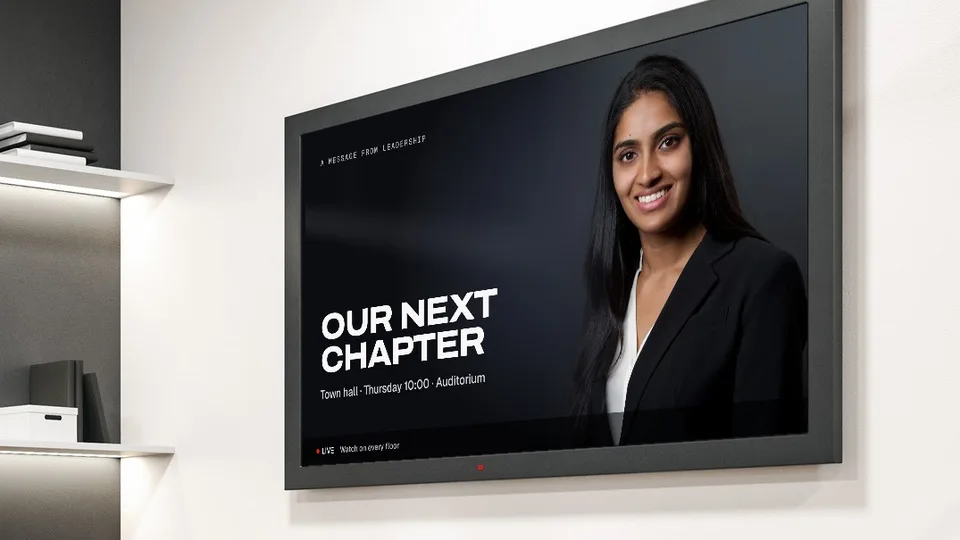
Messages from the top, filmed and edited by our crew.
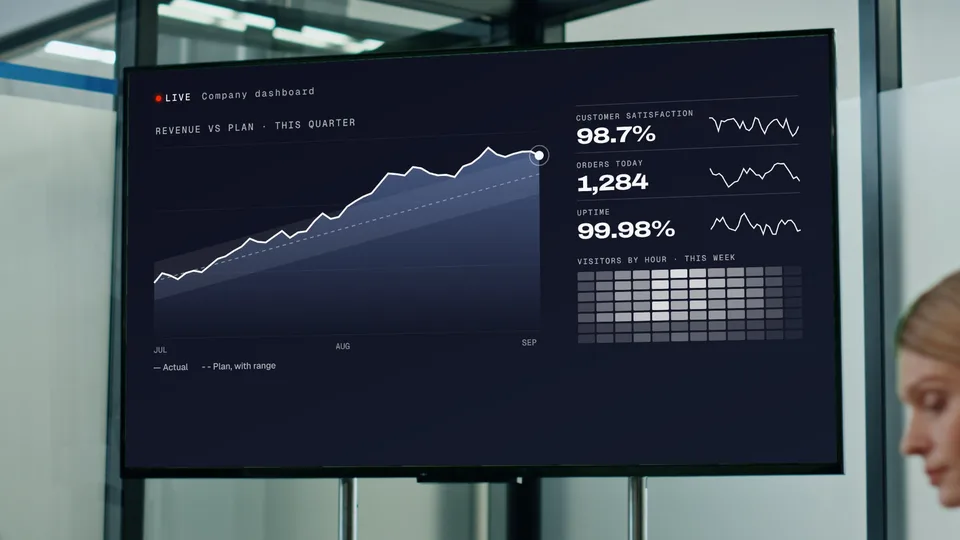
Company numbers that update on screen as they change.
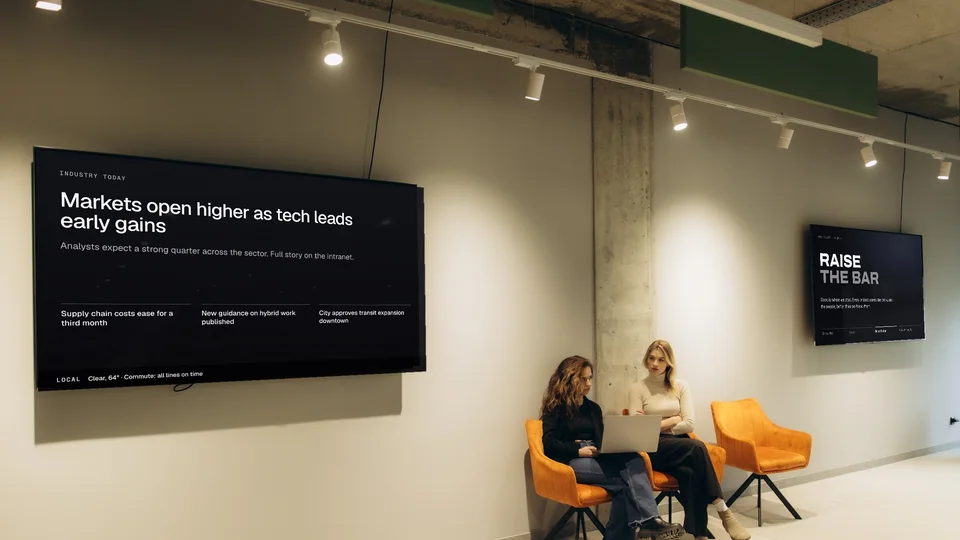
Industry and local headlines, curated for your teams.
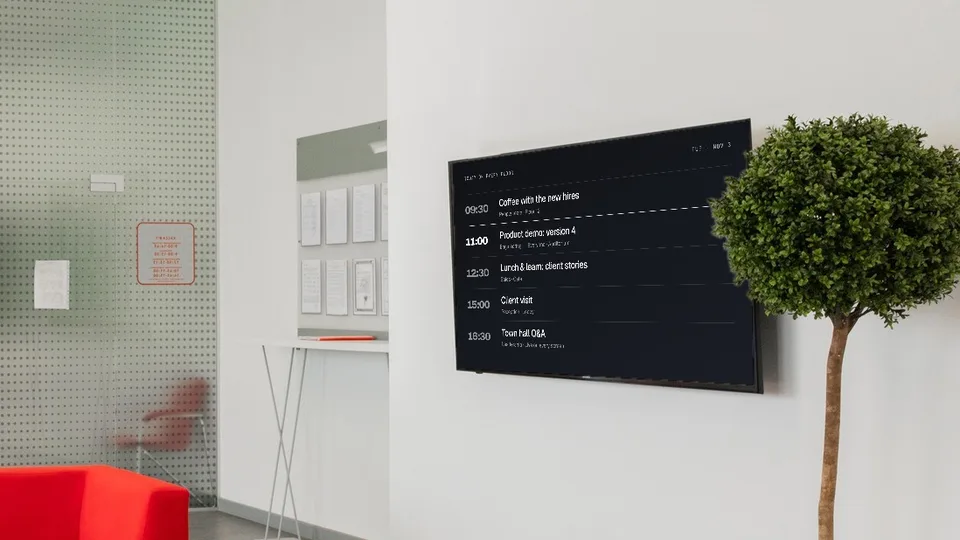
The day's schedule on every floor, from team updates to town halls.
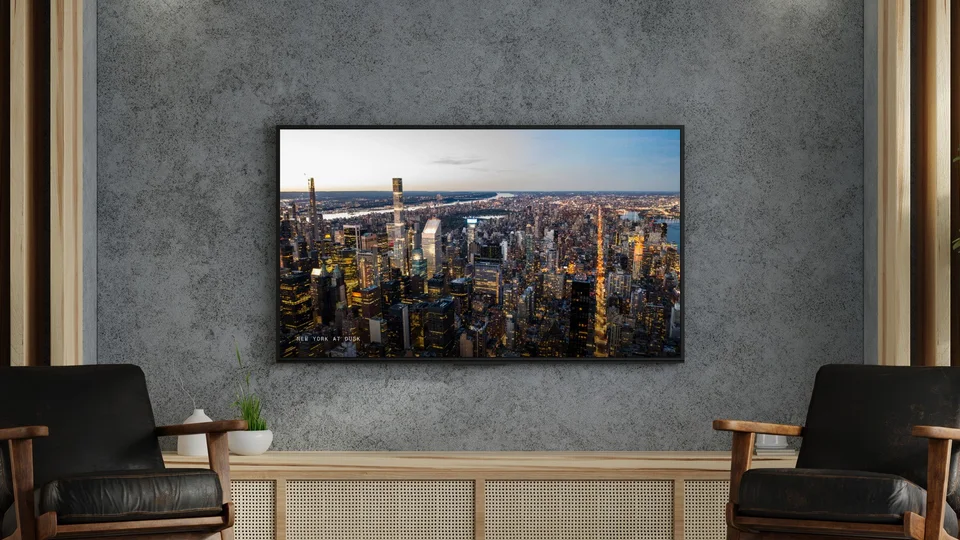
Slow, beautiful scenes that make a wait feel shorter.
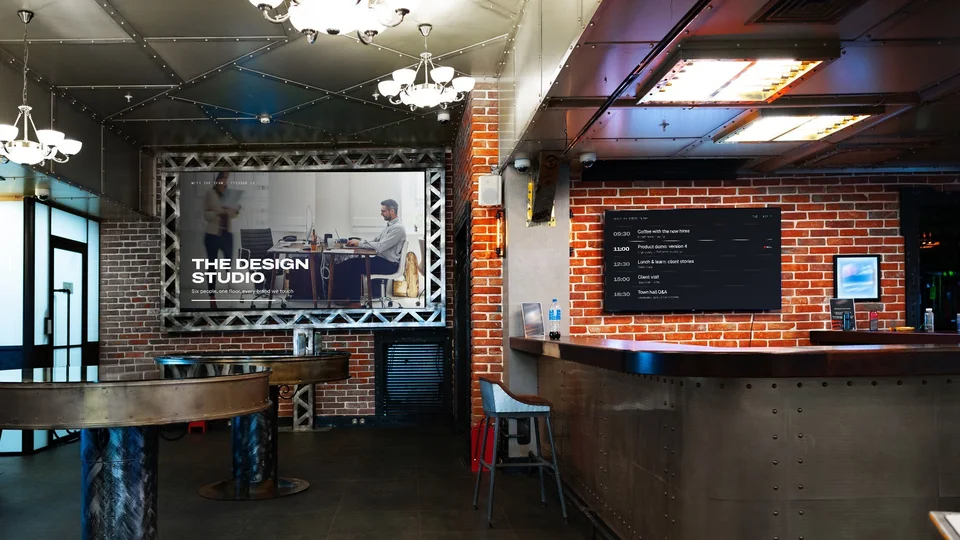
Stories about your own people for lunch and coffee breaks.
The screens already on your walls, plus new ones wherever you need them.
A channel for the lobby, another for engineering, another for the cafeteria.
One look across all your offices, with local news in each city.
Public only
Internal shows play only on screens inside your workspace. Lobby and street-facing screens carry public content only.
Company stats feed internal screens and never the ones your visitors see.
Every day
Your Company Channel on our players, ongoing, on a monthly plan.
One occasion
Designed loops for a town hall, launch or celebration, delivered as files to your media system.
We sit down with your team to learn the business and who passes each screen.
Together we decide what goes on air, on which screens and when.
Our crew films, designs and edits every show. Nothing airs until you approve it.
Your channel goes on air and keeps running, refreshed on your plan.
Final files go straight to your media system, labeled screen by screen.
People stop, look and stay in the loop.
It starts with a conversation about your business, your spaces and your people.
Start →